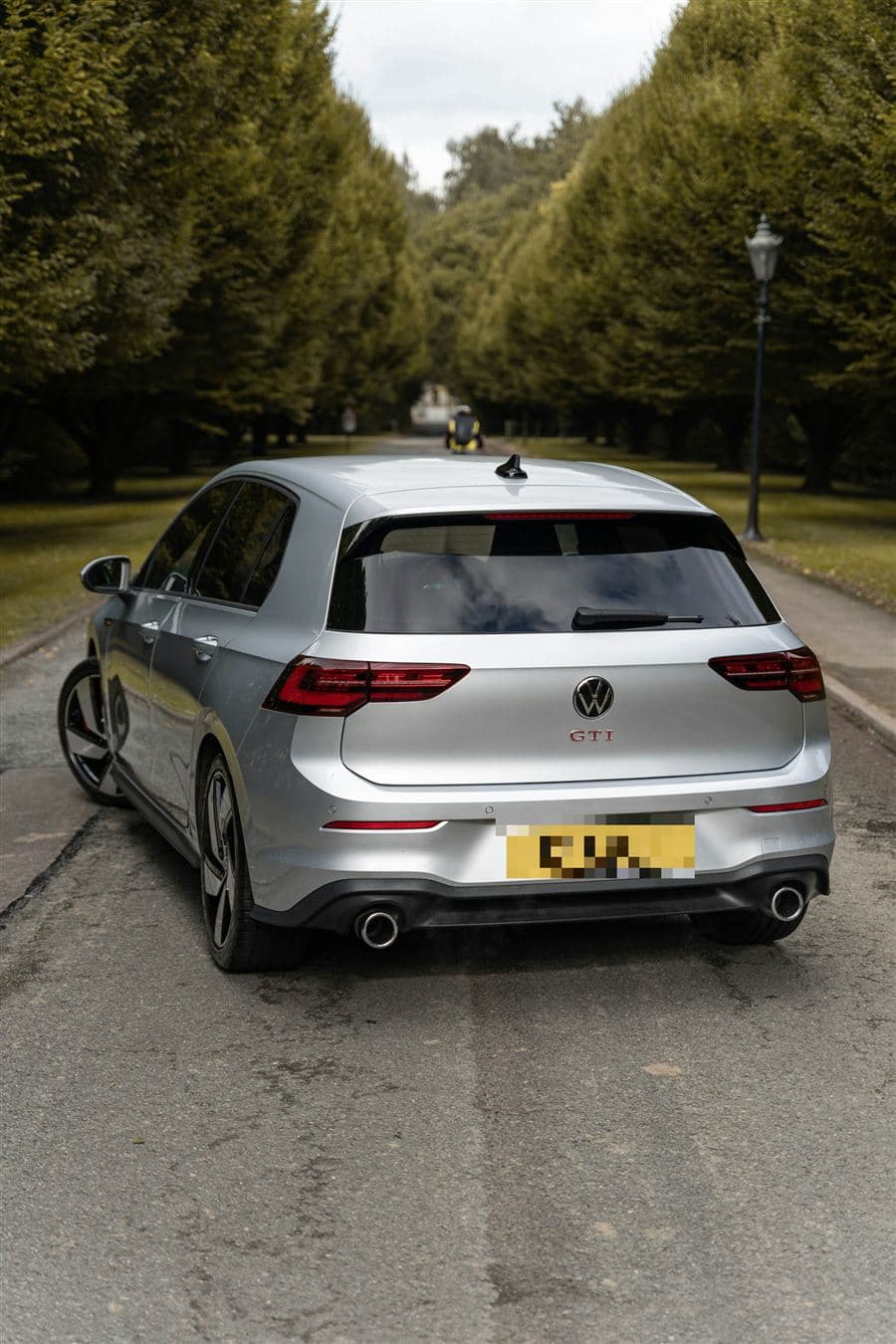
Check the history.
Not the story.

One registration gives you the car’s MOT history, mileage readings, manufacturer service records where available, factory spec, a valuation and an AI condition check from 12 photos. Before you buy, sell or value it.

  • DVLA & DVSA MOT data
  • Manufacturer service records
  • Any car, any seller
Reading the record

Illustration · sample report data

The whole car, not just the advert.

Five sections, each built from records rather than a seller's description. Pay only for the ones you need.

MOT HistoryAB12 CDE
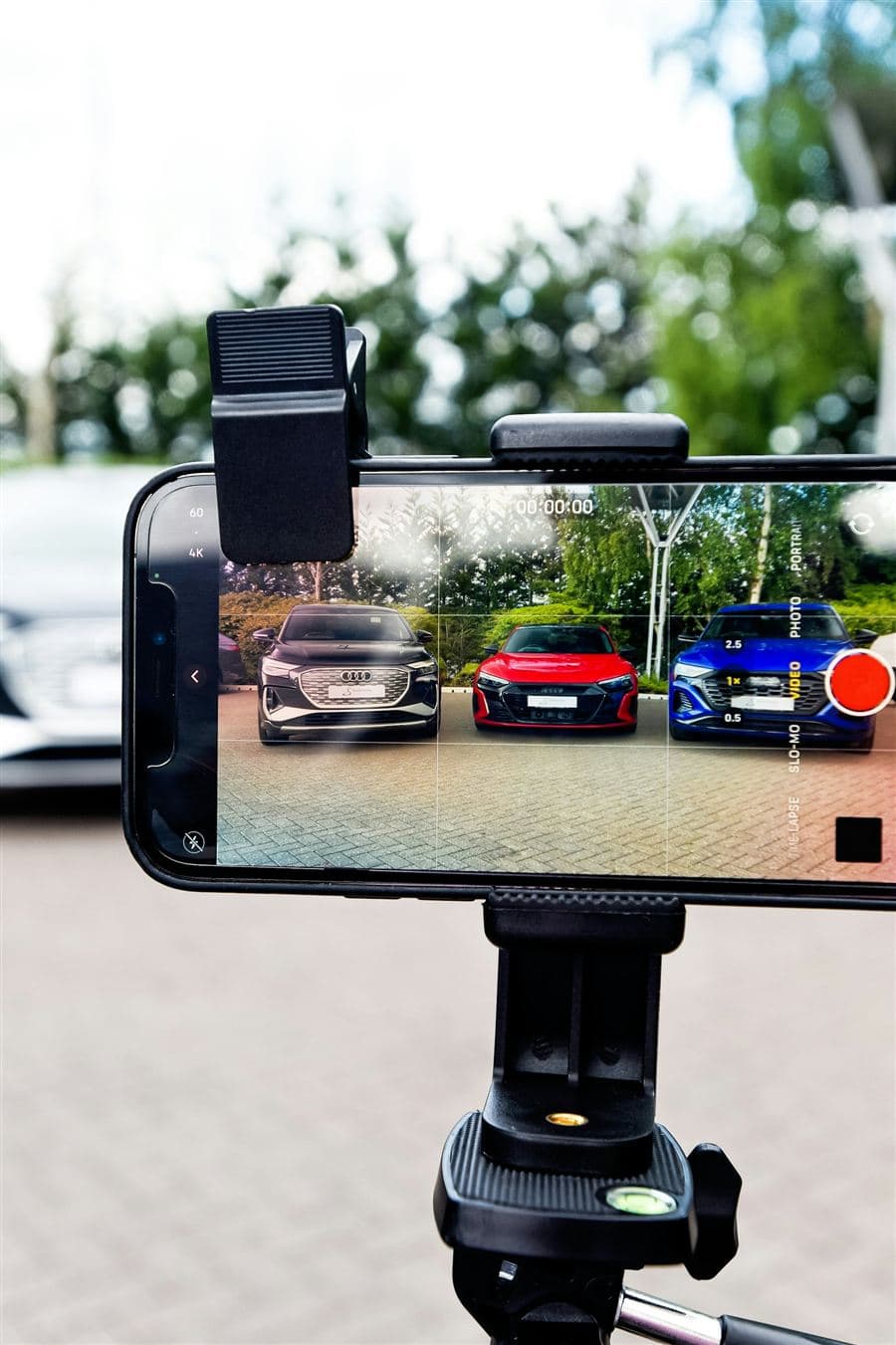
A buyer checking a car's history on his phone next to the car
“Low miles for its age.”What the seller said. Tap the cards to see what the record said →

Not all of it is in the advert.

The seller tells you what they chose to say. The record shows the rest. Three situations, built on real report data:

Dramatised situations · real report data, vehicle details masked

Three steps. One clear picture.

  1. AB12 CDE✓ Valid UK registration
    01

    Enter the reg or VIN

    Any UK car: from a dealer, a marketplace, a private advert or your own drive.

  2. 02

    We read the records

    Official, manufacturer and market data in one report, in seconds. Where data doesn't exist, we say so.

  3. Add 12 photos 12/12 ✓
    03

    Add photos for condition

    Optional: the Visual Assessment rates each part from 12 photos and estimates repair costs.

If we can’t verify it, we don’t report it.

Every section comes from an official or licensed source. Estimates, like repair costs and valuations, are always labelled as estimates. AnalyzeMyCar is a product of AutoDAP B.V. and is not affiliated with any government body.

  • Identity & registrationDVLA records
  • MOT history & mileageDVSA MOT data
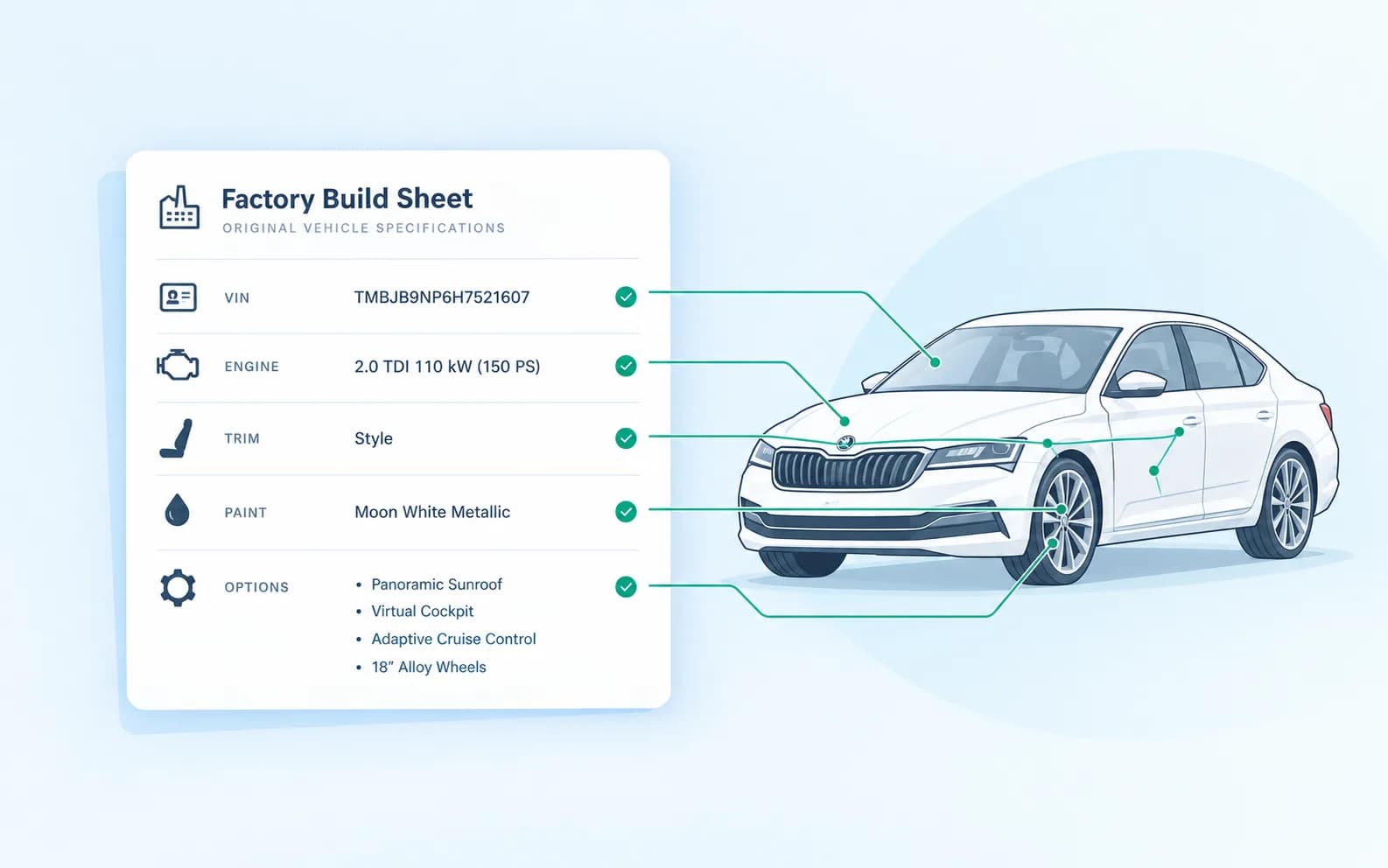
  • Factory build & optionsAutoDAP
  • ValuationLive market data
  • Condition from 12 photosVisual Assessment (AI estimate)
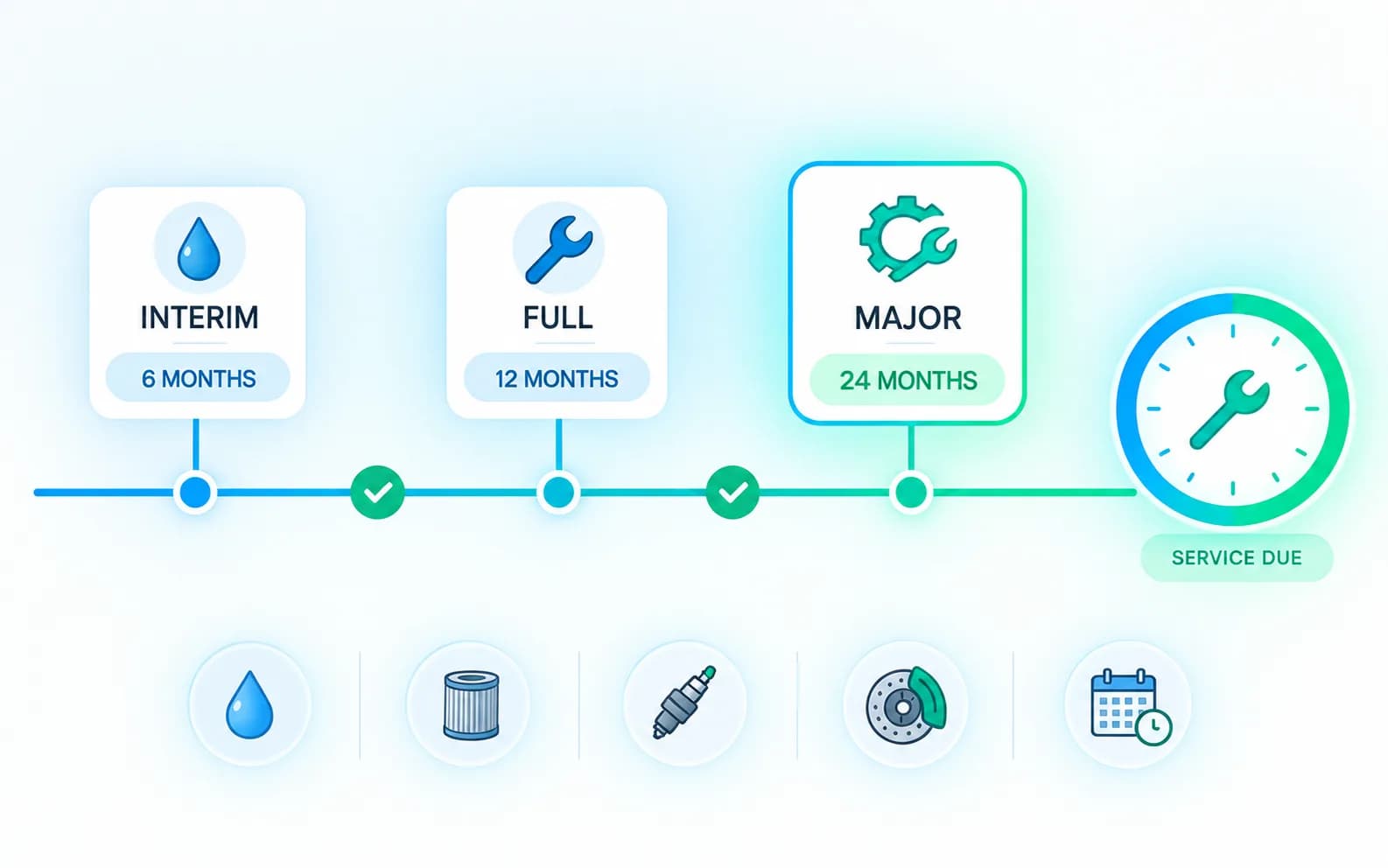
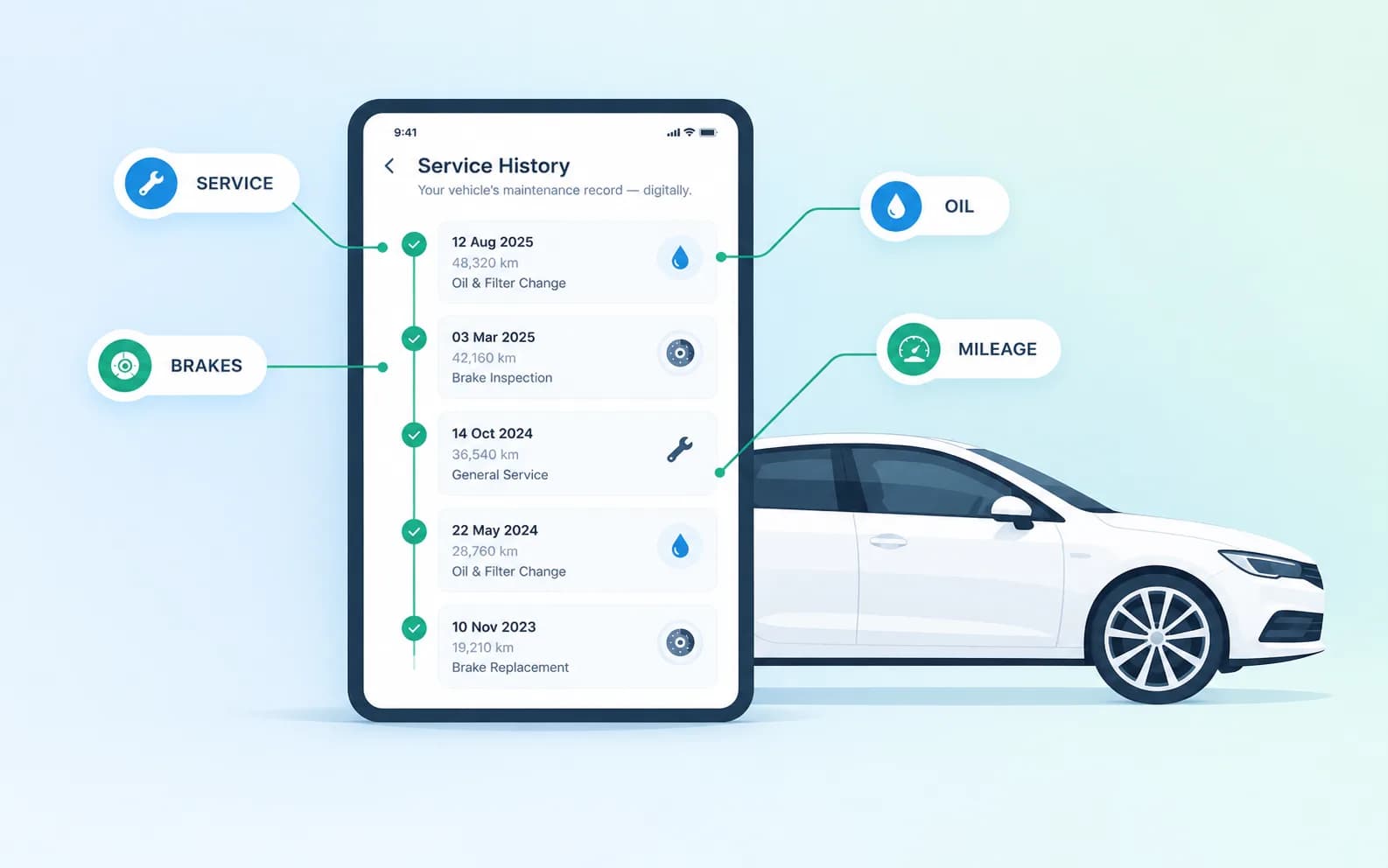
  • Service historyWhere available

Pay only for what you check.

No subscription. Buy credits and spend them on the sections you need, car by car.

  • 1 credit

    Basic Information

    Vehicle details, road tax, owners and V5C history.

  • 2 credits

    Build Sheet + Valuation

    Factory spec, option packages and what the car is worth.

  • 3 credits

    Service Book + MOT

    Manufacturer service records and full MOT history.

  • 4 credits

    Visual Assessment

    Condition and estimated repair costs from 12 photos.

New members get their first report free · Credits valid for 180 days

See credit packs →

Frequently asked questions

What is AnalyzeMyCar?

AnalyzeMyCar is a UK car history check and valuation service. Enter a registration or VIN to see MOT history, mileage readings, manufacturer service records, factory spec, a valuation and an AI condition check from 12 photos. It's a product of AutoDAP B.V.

What does a full car history check include?

A full report brings together, where available: MOT history and a mileage check, main dealer service history, factory spec and options, a market valuation and an optional AI photo condition check. You choose the sections you need and pay for those only.

Read our used car buying checklist →
Can I check a car's MOT history?

Yes. The report shows every MOT test, pass or fail, with the recorded mileage, advisories and defects, plus the next due date. Mileage that goes down between tests is flagged.

How to read an MOT history →
Can I check any car?

Yes. Any UK car by registration or VIN, whether it's from a dealer, a marketplace, a private advert or your own drive.

Where does the data come from?

DVLA vehicle records, DVSA MOT history, manufacturer service and build data from AutoDAP, live market data and, for the Visual Assessment, the photos you upload.

See every section of the report →
How does the Visual Assessment work?

You upload 12 photos of the car. Our AI rates the condition of each part, suggests the repair and estimates the parts and labour cost. It can only assess what the photos show.

How much does a report cost?

You pay per section with credits, from 1 credit for basic information to 4 credits for the Visual Assessment. Credits are valid for 180 days.

See credit packs →
Can I share my report with a buyer?

Yes. Download the report as a PDF and send it to a buyer, a dealer or anyone else. It's a simple way to back up your asking price when selling privately.

Look at a sample report →
When will my saved reports expire?

Saved reports stay in your dashboard for 60 days from the date they were generated, then they are deleted. Download the PDF before then to keep a permanent copy.

Still have a question? Contact us.

Know the car before you commit.

Enter a registration or VIN and see its story in one report.