
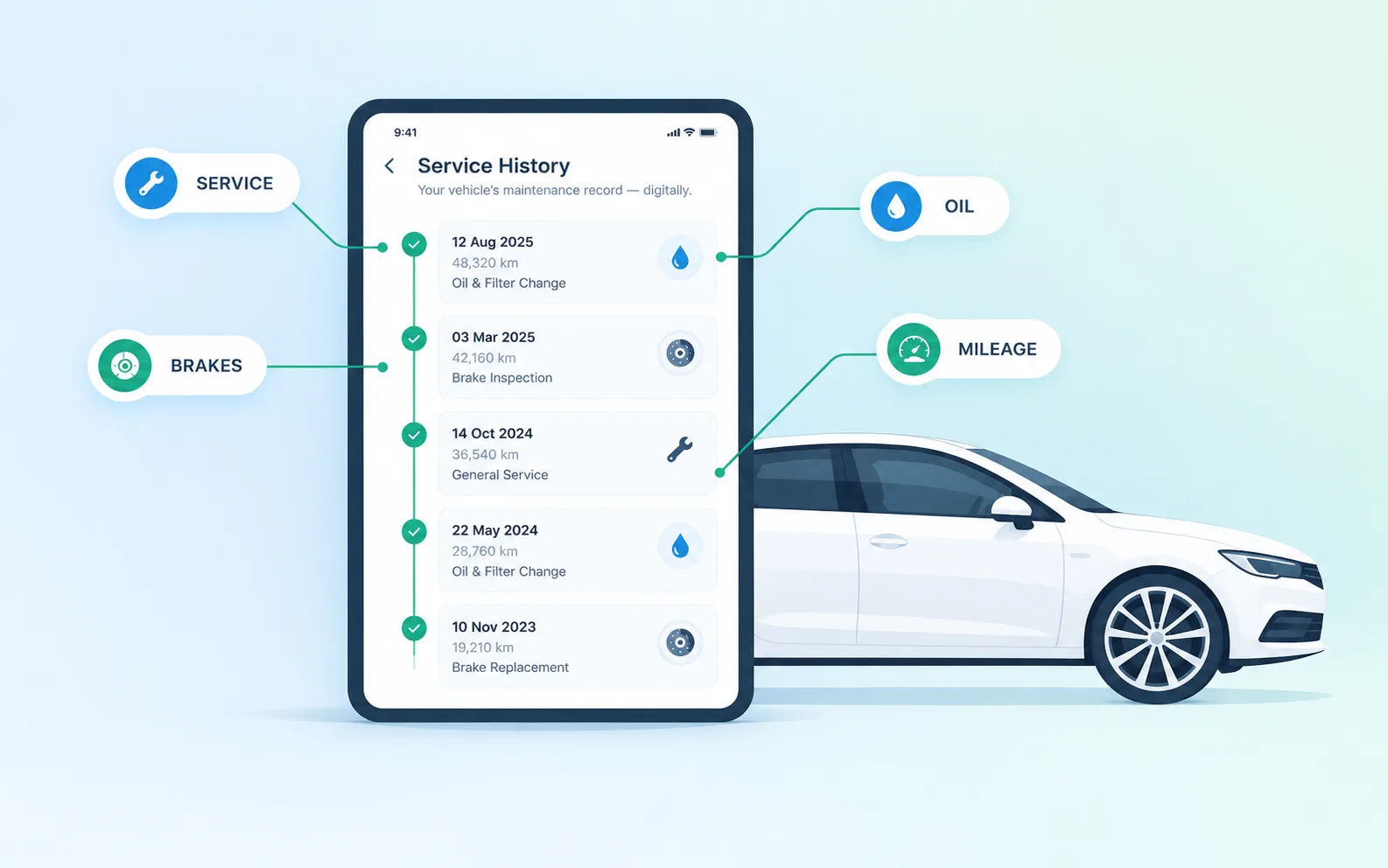
What a digital service book is
A digital service book (often shortened to DSB, and also called a digital service record) is the manufacturer's electronic log of a car's servicing. When a garage services the car, it adds an entry to the manufacturer's central system instead of stamping a booklet. A typical entry records:
- The date of the service
- The mileage at the time
- The type of service (for example, an interim or full service)
- The garage or dealer that did the work
- Sometimes extra work, such as a brake fluid or timing belt change
Paper book vs digital service book
| Feature | Paper service book | Digital service book |
|---|---|---|
| Where it's kept | In the car | Manufacturer's online system |
| Can it be lost? | Yes, and replacements are hard to prove | No, it stays with the car's record |
| Can it be faked? | Stamps and handwriting can be forged | Much harder: entries come from approved garages |
| Can the buyer see it? | Yes, just open the book | Not directly: usually needs a dealer printout or a history check |
| Mileage check | Only if stamps include mileage | Every entry records the mileage |
Why it matters when buying a used car
It proves the car was looked after - a full service history can add real value, and buyers rightly pay more for it. A digital record is far more convincing than a bundle of stamps.
It helps expose clocking - each entry records the mileage. If the mileage at a 2022 service is higher than the mileage on the dashboard today, something is wrong.
It shows gaps a seller might not mention - “full service history” in an advert means little if the digital record shows a three-year gap.
It fills the first three years - new cars don't need an MOT until they're three years old, so the service record is often the only history a nearly-new car has.
The catch: you usually can't see it yourself
Because the record sits with the manufacturer, a buyer can't simply open it. The usual options are:
- Ask the seller for a printout from a main dealer - some dealers will only release it to the registered keeper.
- Call a main dealer with the registration - some will confirm the history; many won't share it with someone who doesn't own the car.
- Use a vehicle history check that includes main dealer service records.
Watch out for
Missing independent garage services - many manufacturers let independent garages add entries through an official portal, but not every garage does. A car serviced by a good local garage can look like it has gaps - ask for the invoices.
Mileage that doesn't match - compare each service mileage with the MOT history and the dashboard.
Services that are too far apart - check the gaps against the manufacturer's service schedule, by time and by miles.
A gap isn't always a red flag
Check the digital service history with AnalyzeMyCar
Our DSB + MOT report pulls main dealer digital service history where it's available and shows it alongside the car's MOT history. You can see when the car was serviced, by whom and at what mileage, and spot gaps or mismatches in seconds. It pairs well with Understanding MOT History, and a full service history supports the price - see how car valuation works.
Run a car history check by reg, or see a sample report first.
Your first full report is free. See pricing, or browse real data on any model in CarParc.